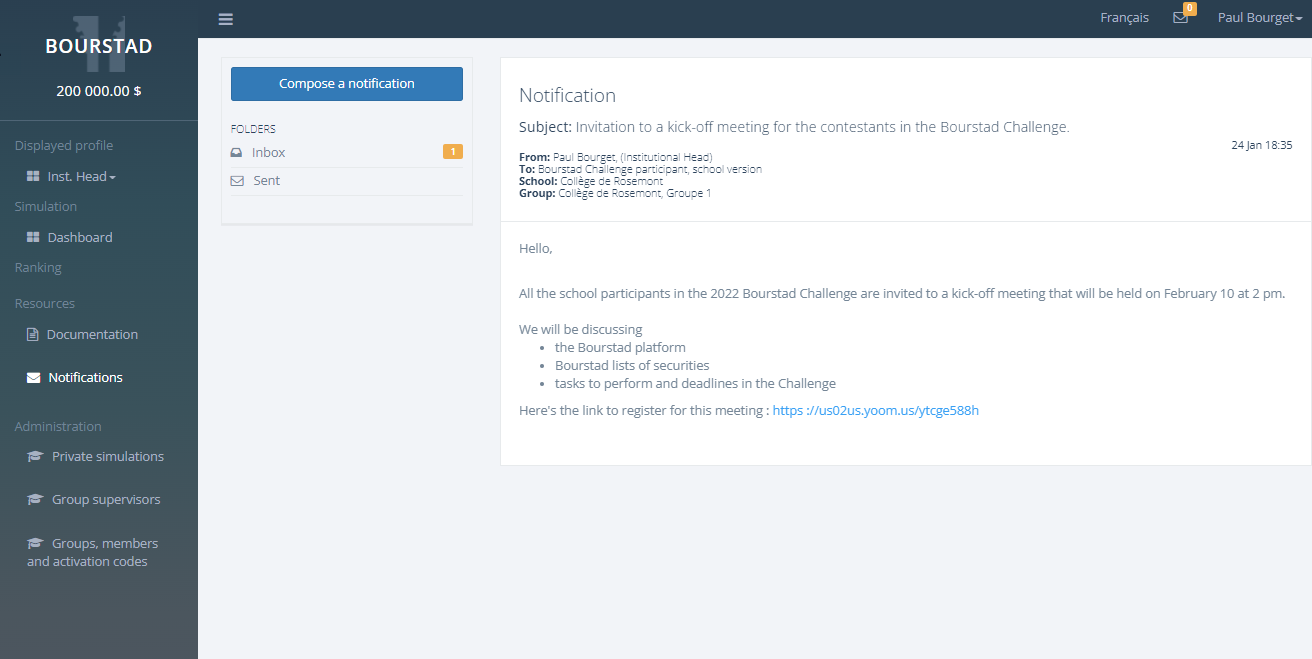
The Sent Items box allows you to view the list of notifications that you have sent to
simulation participants in your school. If you click on any of the notifications in the
list, its detailed content is displayed..Figure 1. Displaying a sent notification
The title, content and all targeting parameters of the selected notification are
displayed